

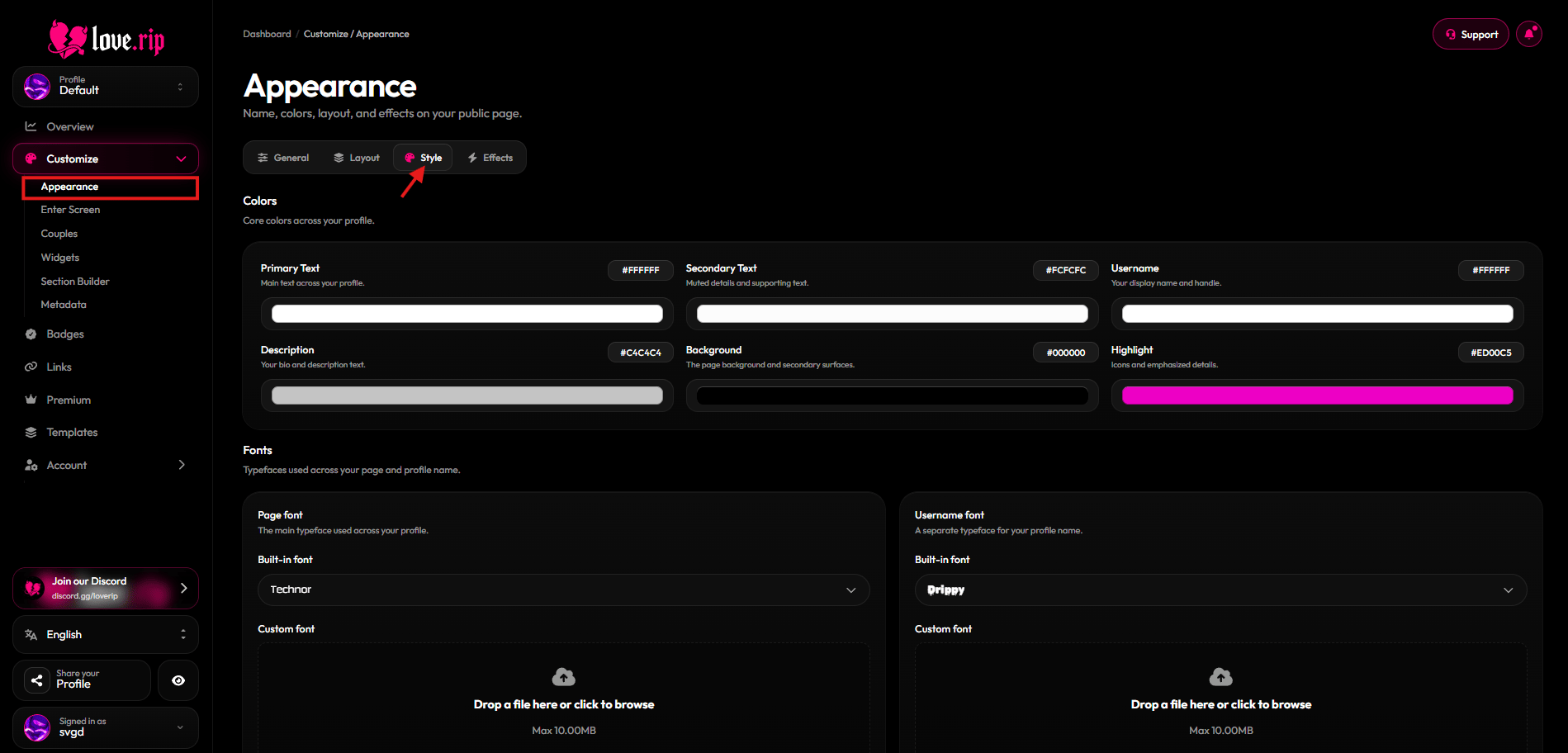
The Style tab
Colors
Pick colors for Text, Secondary text, Username, Description, Background, Accent, Highlight and Footer. Where to find it: Style tab → Colors.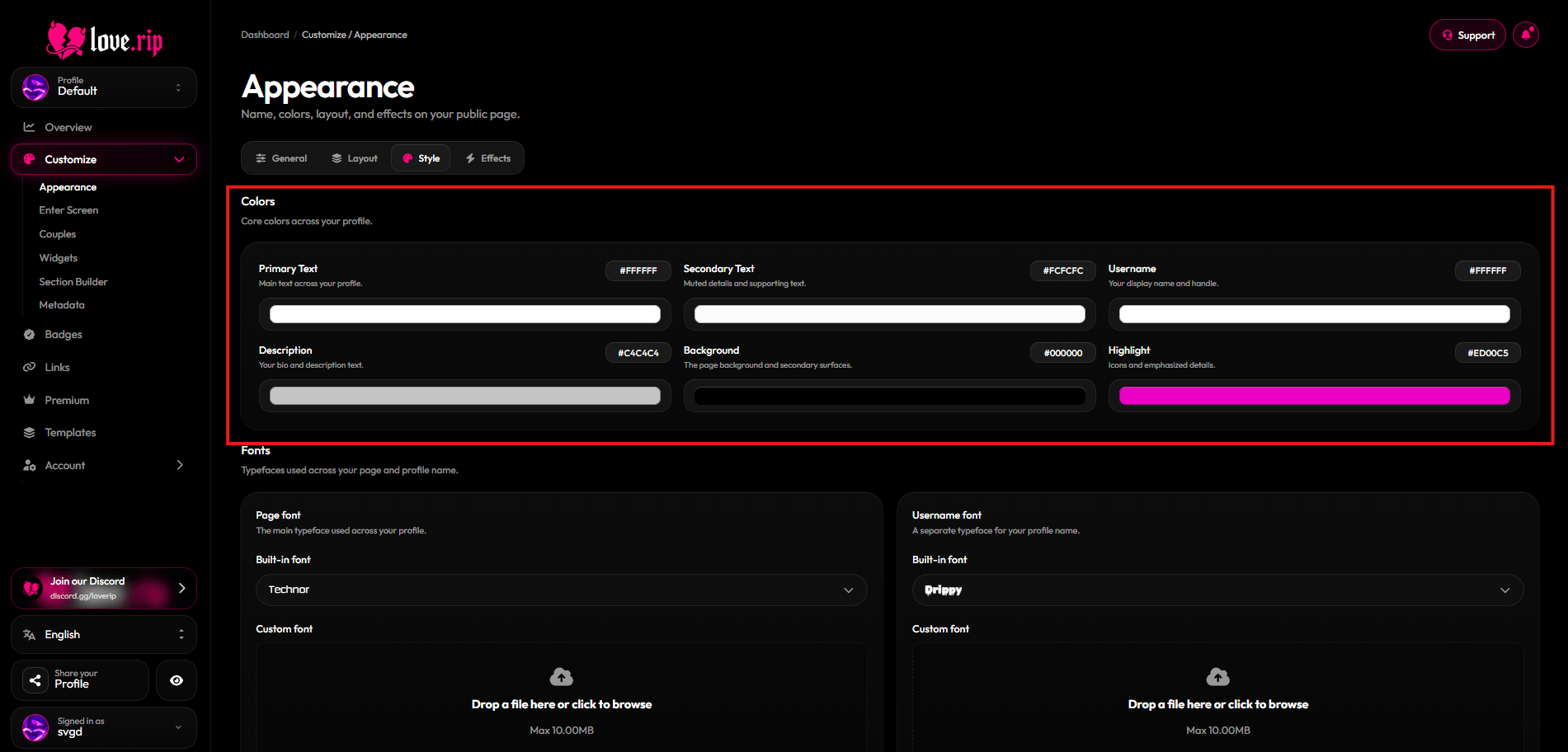
Color pickers
Fonts
Choose a page font from the built-in list: Satoshi, Fira Code, Poppins, JetBrains Mono, Array, Velocity, Outfit, Silkscreen, Technor, Parkinsans, Chillax, Drippy and Minecraft. Where to find it: Style tab → font settings.Custom fonts Premium
Upload your own font for the page and a separate one for your username. Supported files: WOFF2, WOFF, OTF and TTF, up to 10MB.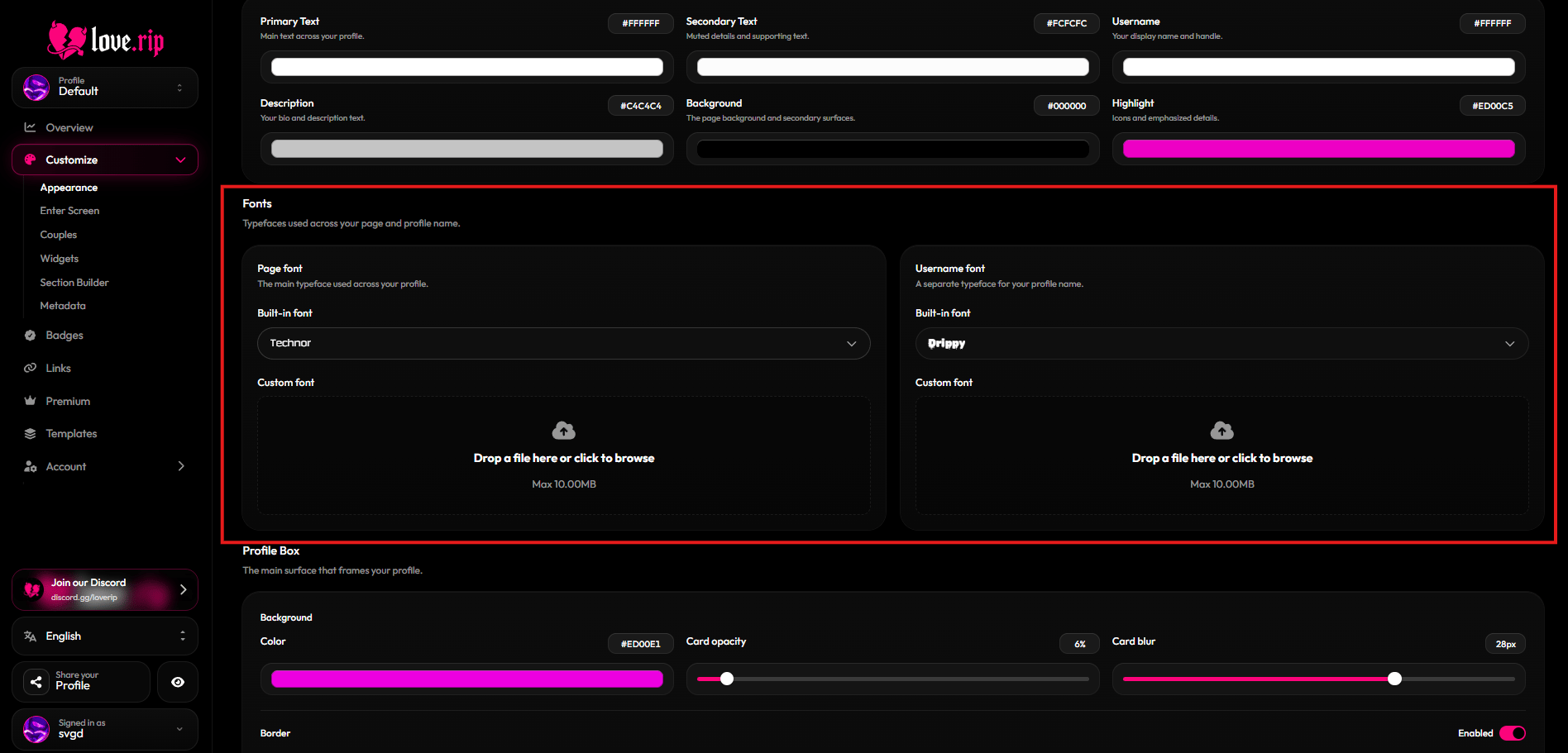
Font settings
Profile box
The profile box is the card your profile sits on. Set its color, Card opacity (0–100) and Card blur (0–40px). You can also add a banner to the top of the box and fade it out. Where to find it: Style tab → Profile Box.Border
Give the box an outline: Outline color, Thickness (0–24), Rounding (0–80) and Outline opacity.Moving borders Premium
Animate the border with Electric, Glow, Pulse or Rainbow. You can apply the effect to the profile box and to other parts of your page: audio, volume, comments, badges, modules on the card, modules below, About, Skills, Games and media, and Couples.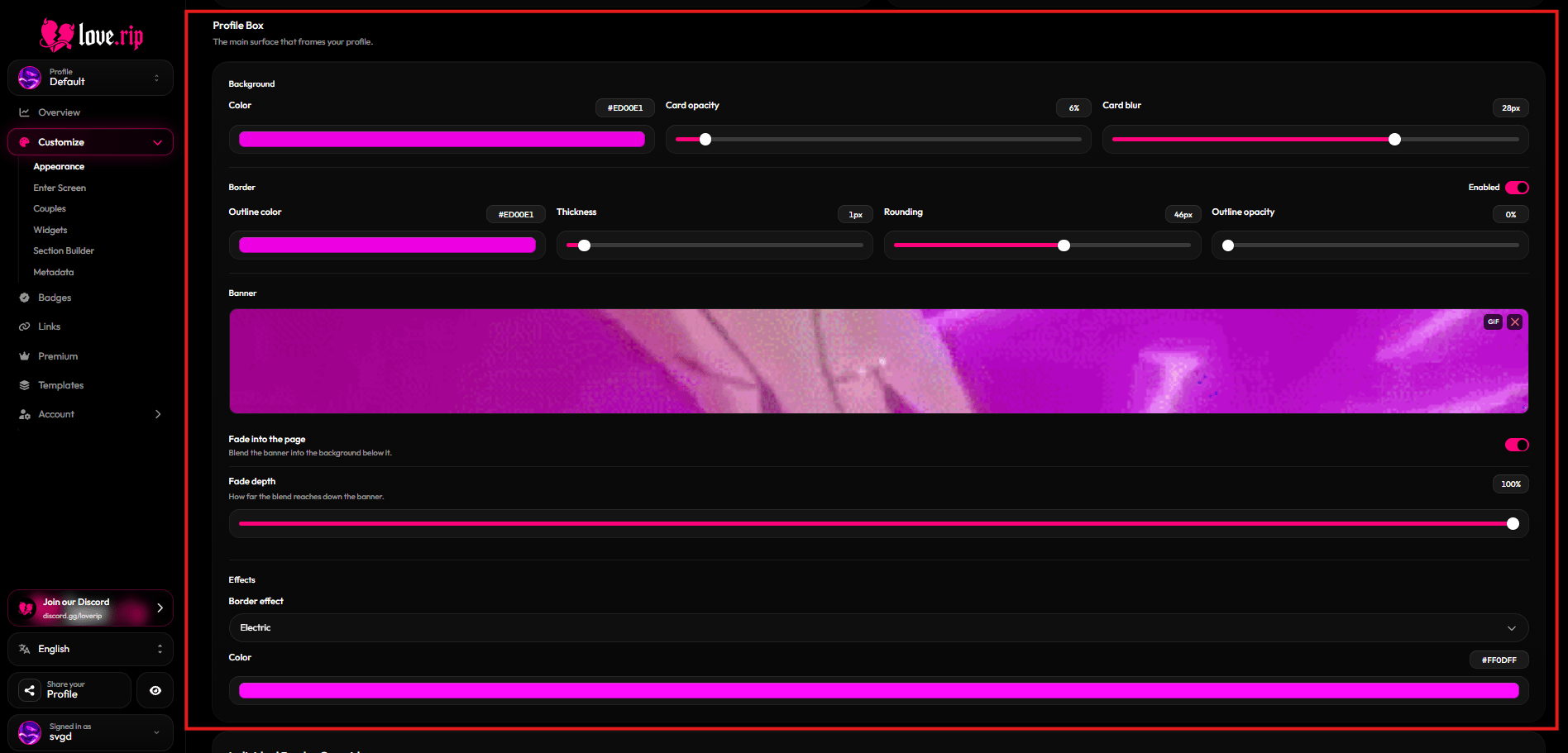
Profile Box settings