

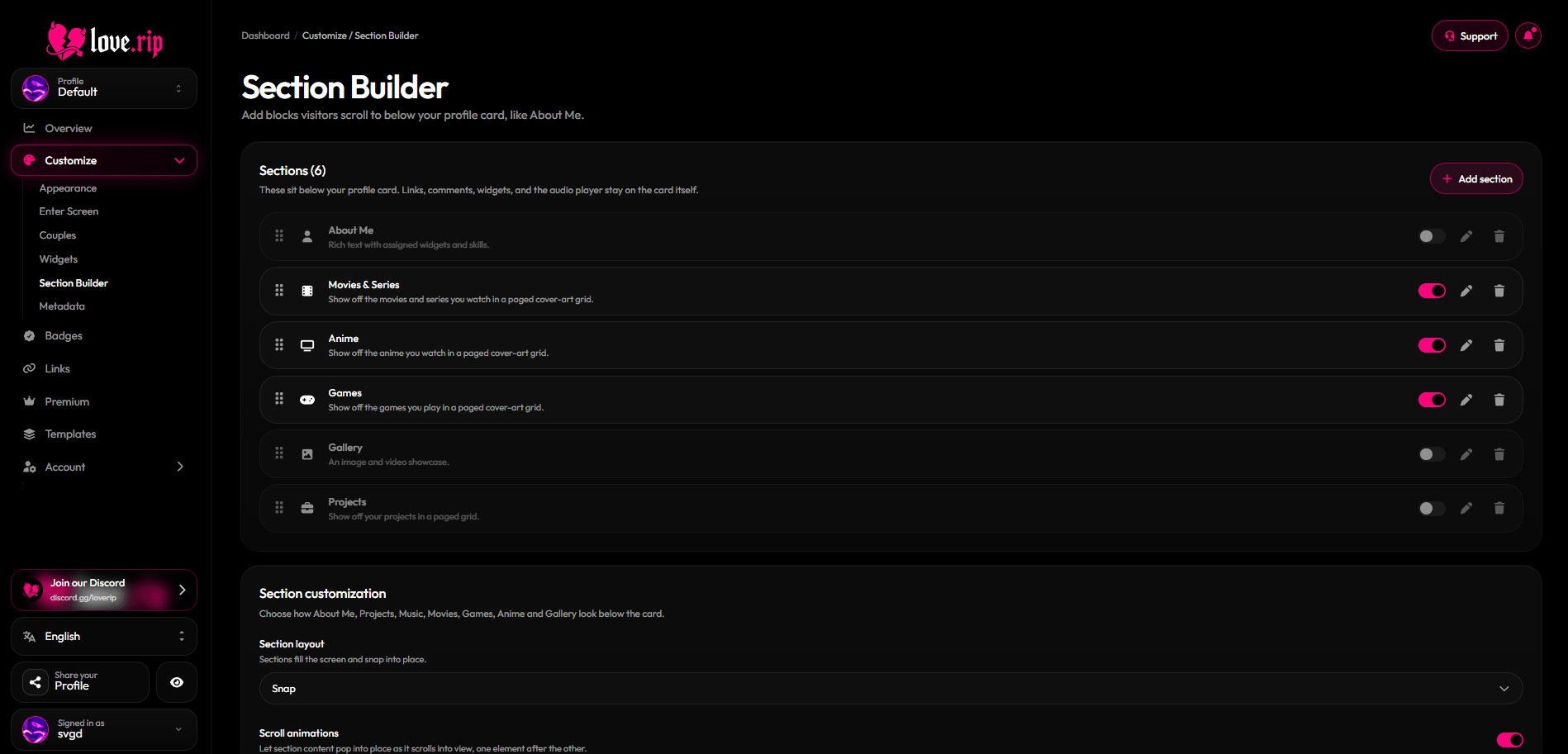
The Section Builder
Section types
Each type except Custom Text can be added once.
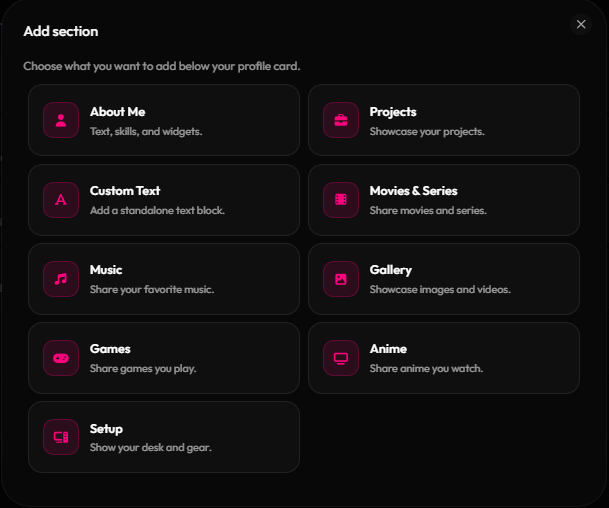
Adding a new section
About Me
Give it a title (up to 100 characters), a description (up to 200) and a body (up to 1,024 characters and 15 lines). Add up to 10 skills and place widgets inside it, sized Full row, Half row, Full row (centered), Tall half width or Tall full width.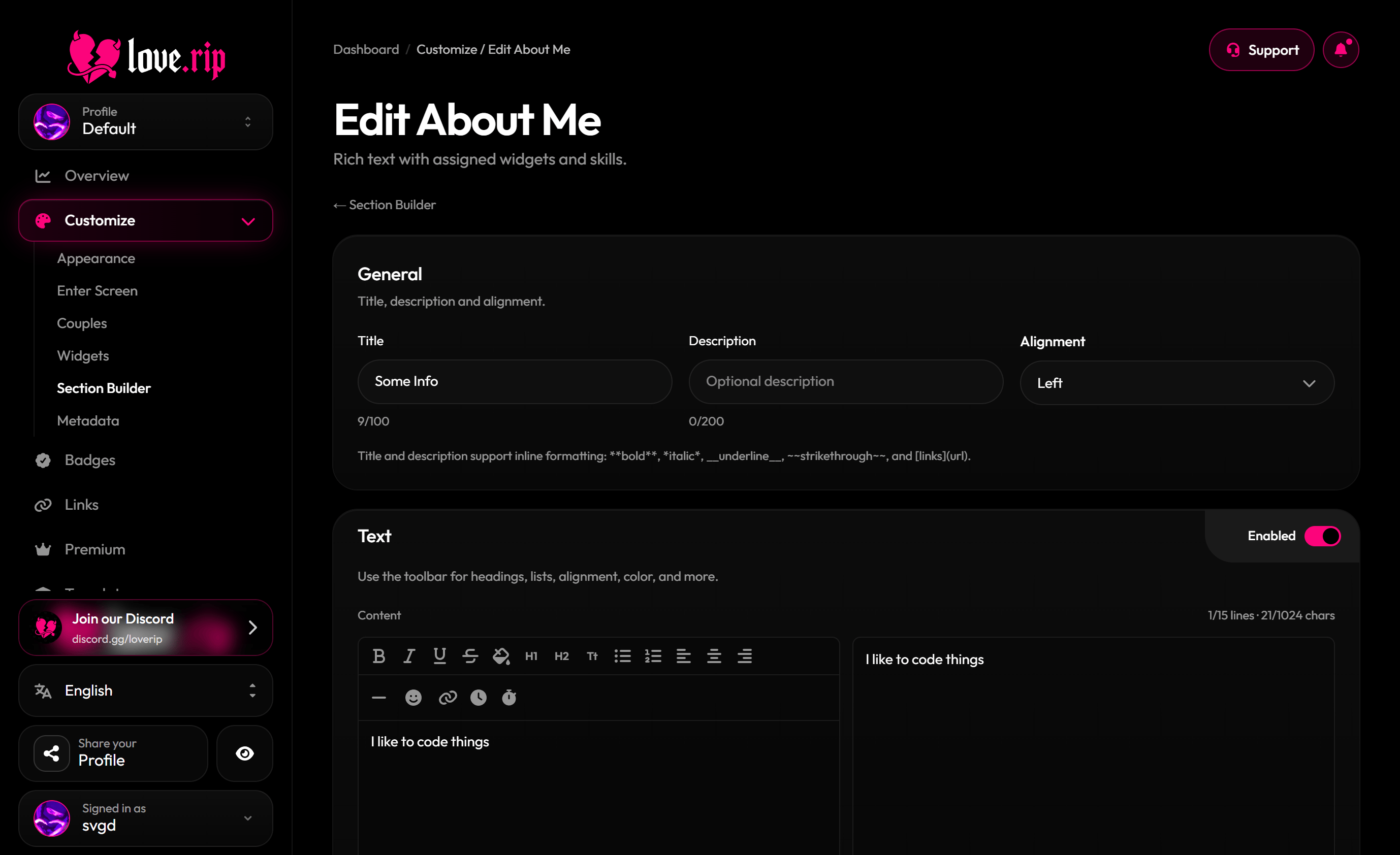
Editing the About Me section
Section look
Each section can have its own container color, border and alignment (Left, Center or Right).Border effects Premium
Add a moving border effect to a section.Scrolling and navigation
Choose how sections sit on the page:- Compact: sections sit closer together, using your spacing settings.
- Normal: full-screen distance, no snapping.
- Snap: each section fills the screen and snaps into place.
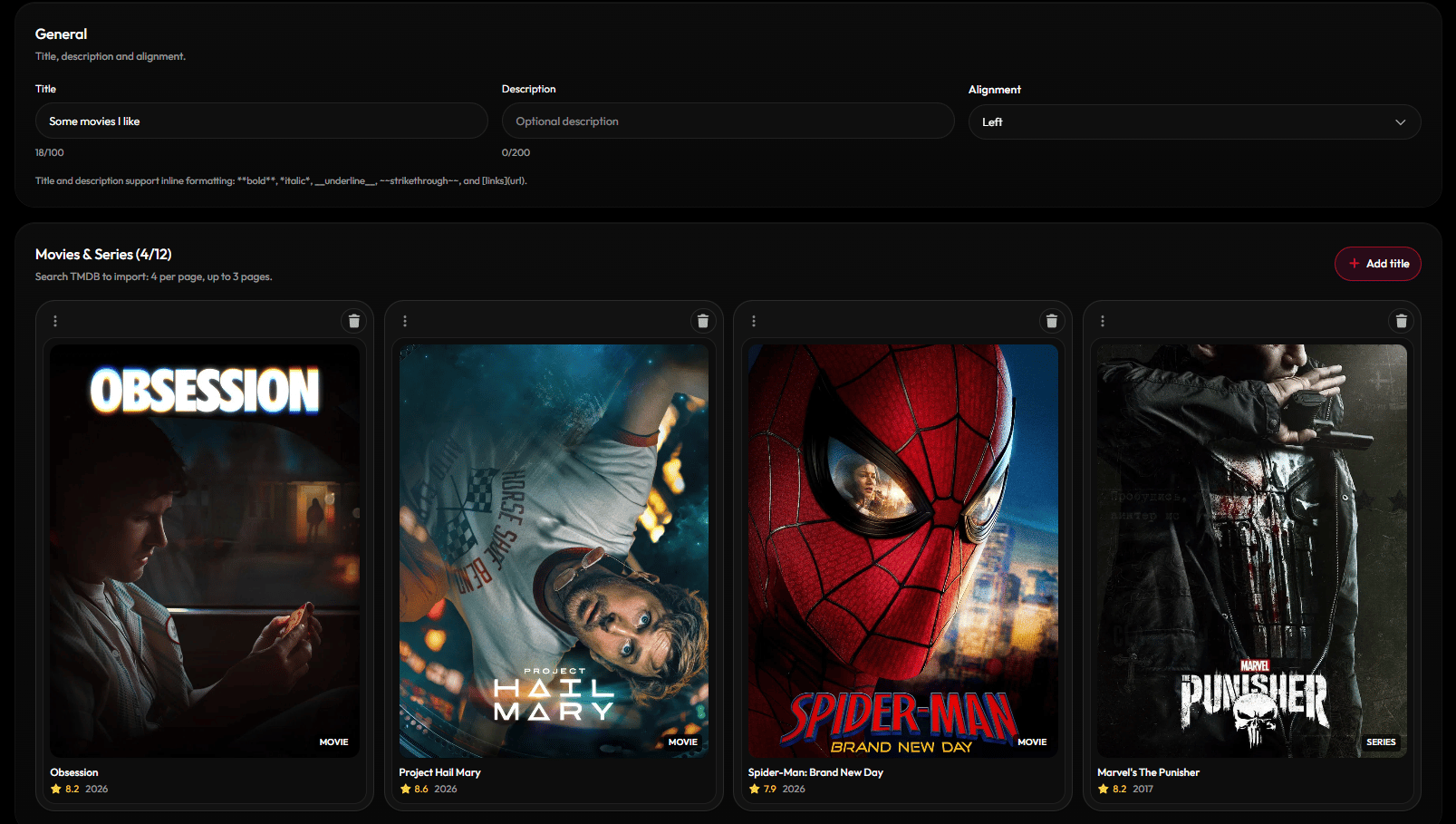
Section layout and navigator settings