

1
Open the share window
Click Share your Profile.
2
Copy or open
Copy Your profile URL, or click Open my page to see it live.
3
Get a QR code (optional)
Click love.rip QR Code. Change the colors of the dots, corner squares and corner dots, then download it as SVG or PNG.
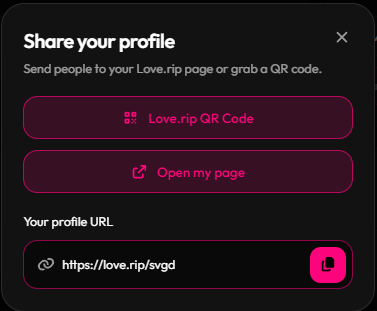
The share window
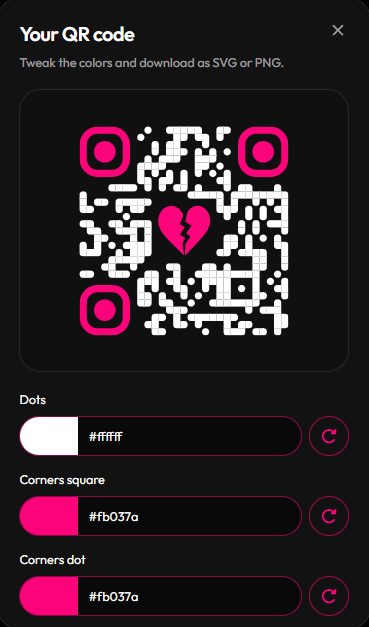
QR code customizer