

Overview
Your home base. It shows your username, aliases, UID, total profile views (with your views from the last 7 days), a profile completion checklist and a views chart. Where to find it: Sidebar → Overview, or love.rip/dashboard.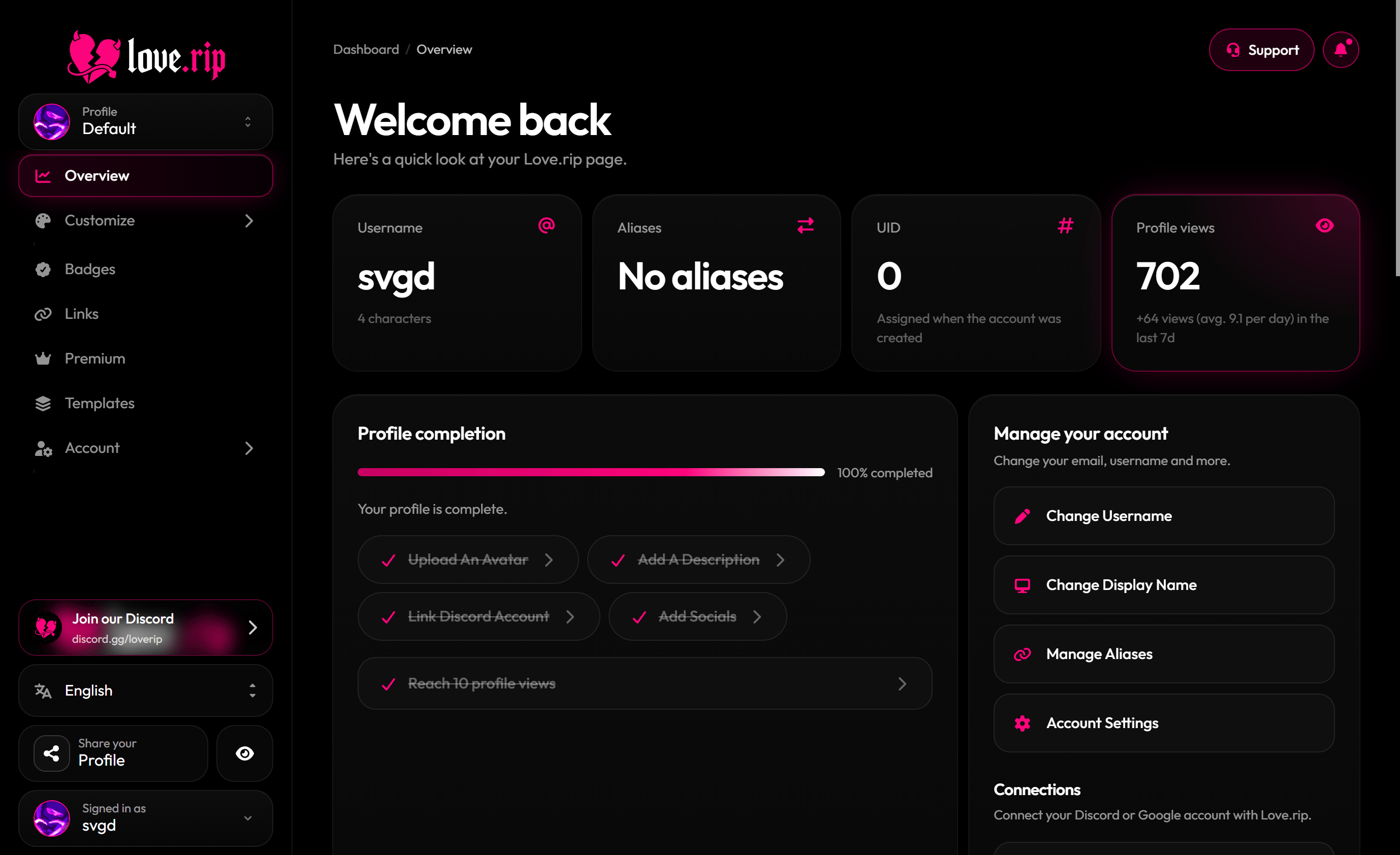
The dashboard Overview
The sidebar
Everything lives in the sidebar on the left:
At the bottom you’ll find Join our Discord, the language menu, Share your Profile, the Live preview button and your profile switcher.
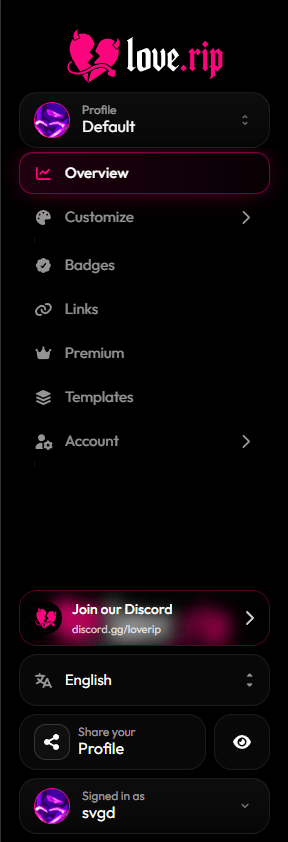
The dashboard sidebar
Live preview
See your changes on your page before you save. Most editors show an unsaved bar at the bottom: hit Save to publish or Reset to undo. Where to find it: the Live preview button at the bottom of the sidebar..png?fit=max&auto=format&n=lWOttRo6BGNcvgSp&q=85&s=8691242358bcb018ebc362e3eca930d6 "Www Love Rip Dashboard (2)")
Live preview next to the editor
Change the language
The dashboard comes in English, Español, Português, Français, Deutsch, Italiano, 日本語, 한국어, 中文, العربية, Русский, Türkçe and हिन्दी. Where to find it: the language menu at the bottom of the sidebar.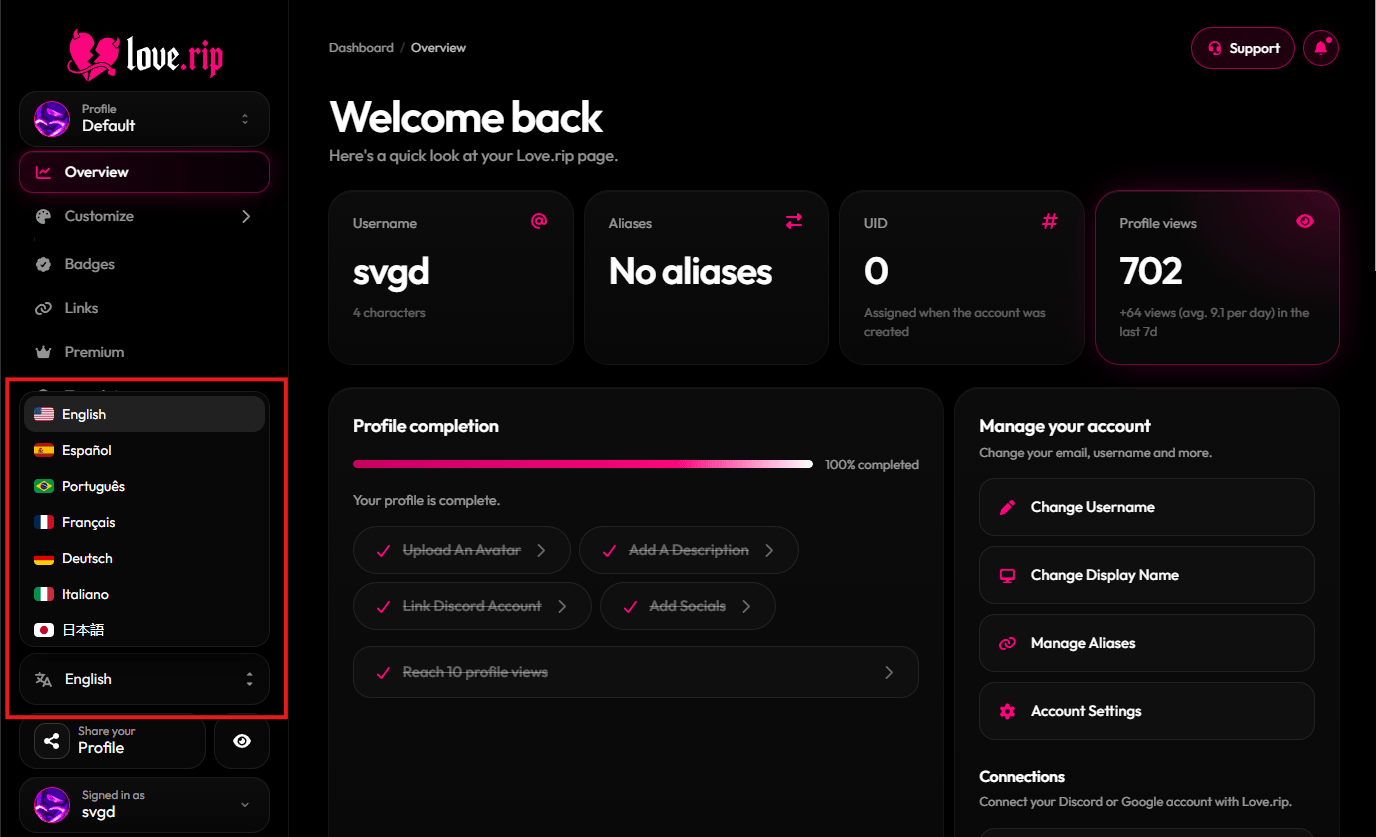
The language menu