

1
Get a badge token
Buy one at love.rip/pricing/badge ($3.99 each), or earn one from Invites. You can also use Buy badge tokens on the Badges page.
2
Create the badge
Click Custom badge, give it a name (up to 24 characters) and upload an icon (PNG, JPG or WebP, up to 2MB).
3
Show it off
It appears in Your badges, where you can reorder and style it like any other badge.
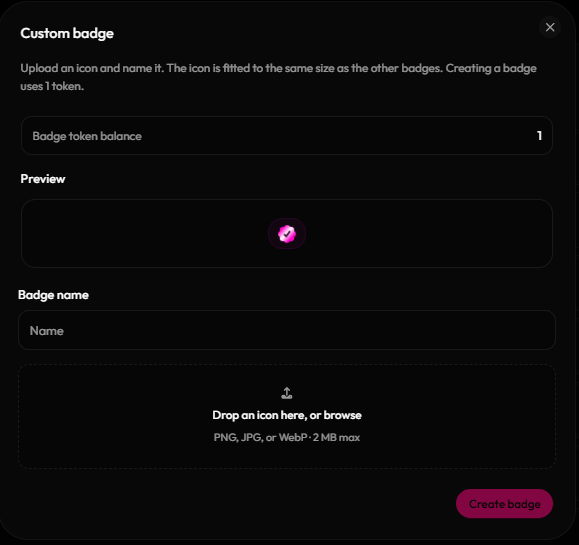
Creating a custom badge